
ATEM Mini Pro
Streamwell works great with the ATEM Mini Pro from Blackmagic Design!
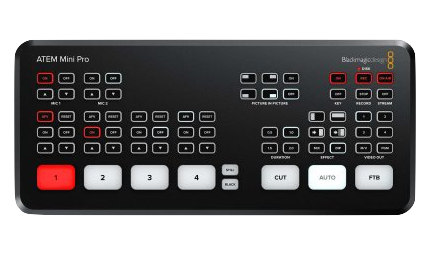
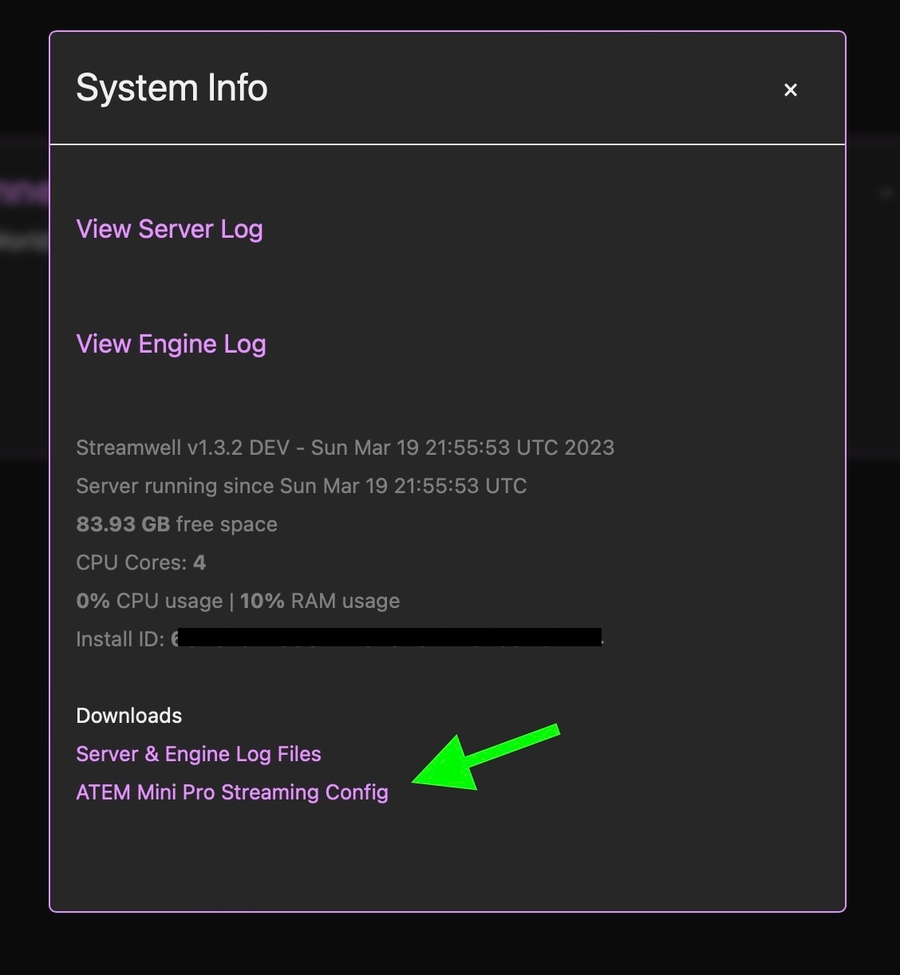
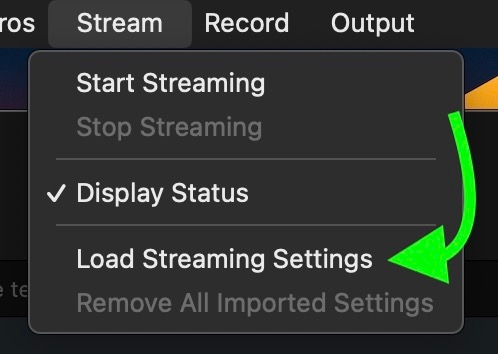
ATEM Mini Pro is a powerful and affordable video switcher from Blackmagic. To send a stream into Streamwell, you can download an auto-generated config file for the ATEM Mini Pro right from the Administration panel, under Manage -> Server -> System Info. To import the config file, choose Stream -> Load Streaming Settings in the ATEM Software Control app. This will enable RTMP or RTMPS streaming from the ATEM Mini Pro into Streamwell.
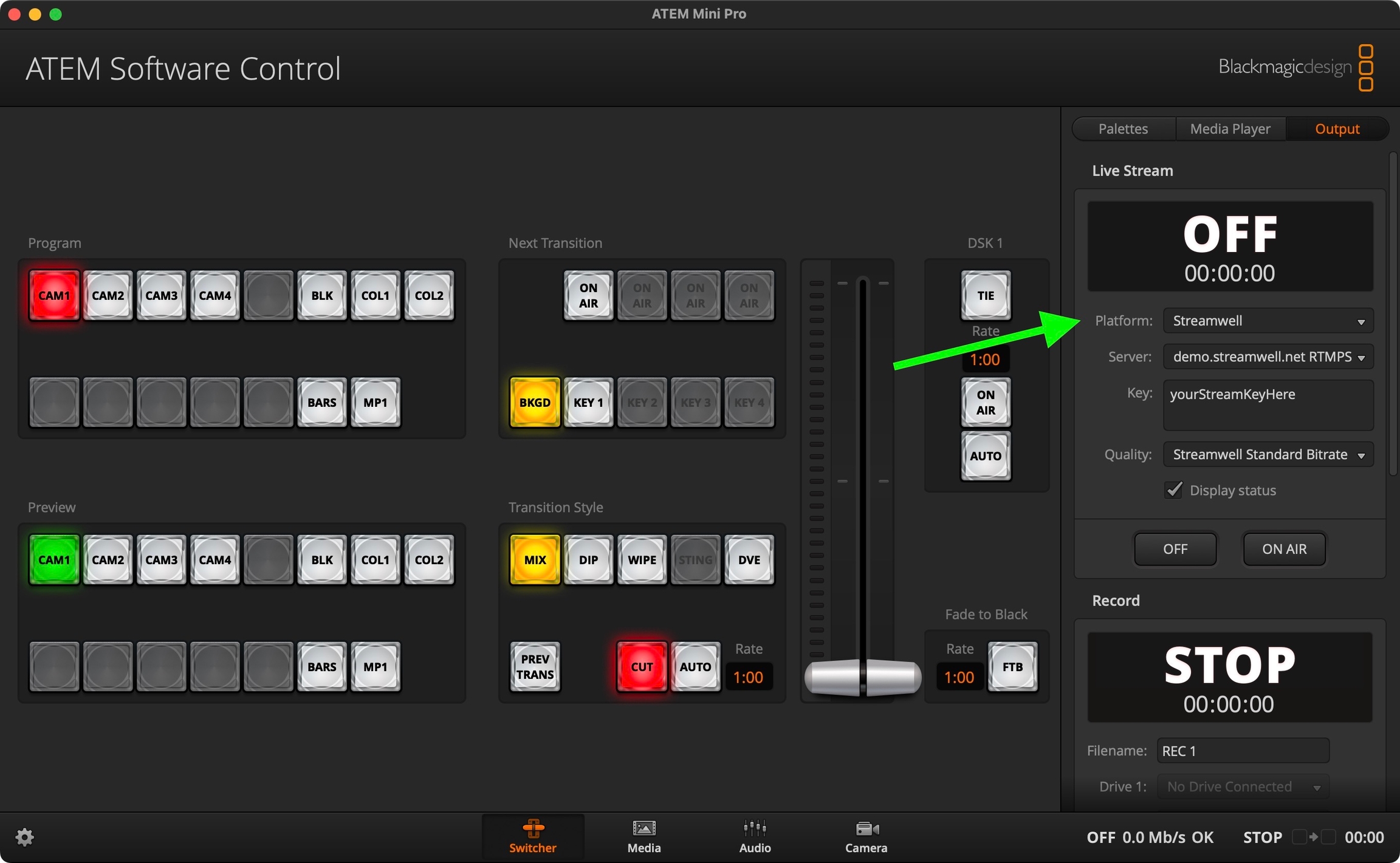
Once you load the settings, a new preset for the Streamwell platform will appear in the Output -> Live Stream tab. We recommend starting with the Standard Bitrate preset and going up or down from there.
Unable to download the XML? Use this template and edit the values to suit your server, then import it as shown above. You can also manually add the entire <service></service> definition to the default Streaming.xml file, however that file will be overwritten when the ATEM Software is updated.
These directions should also work with the new Blackmagic Web Presenter HD/4K which has the same streaming engine as the ATEM Mini Pro.