# Streaming from Chrome
The Streamwell **Control Room** lets you stream directly from **Google Chrome** instead of using third-party streaming software or hardware.
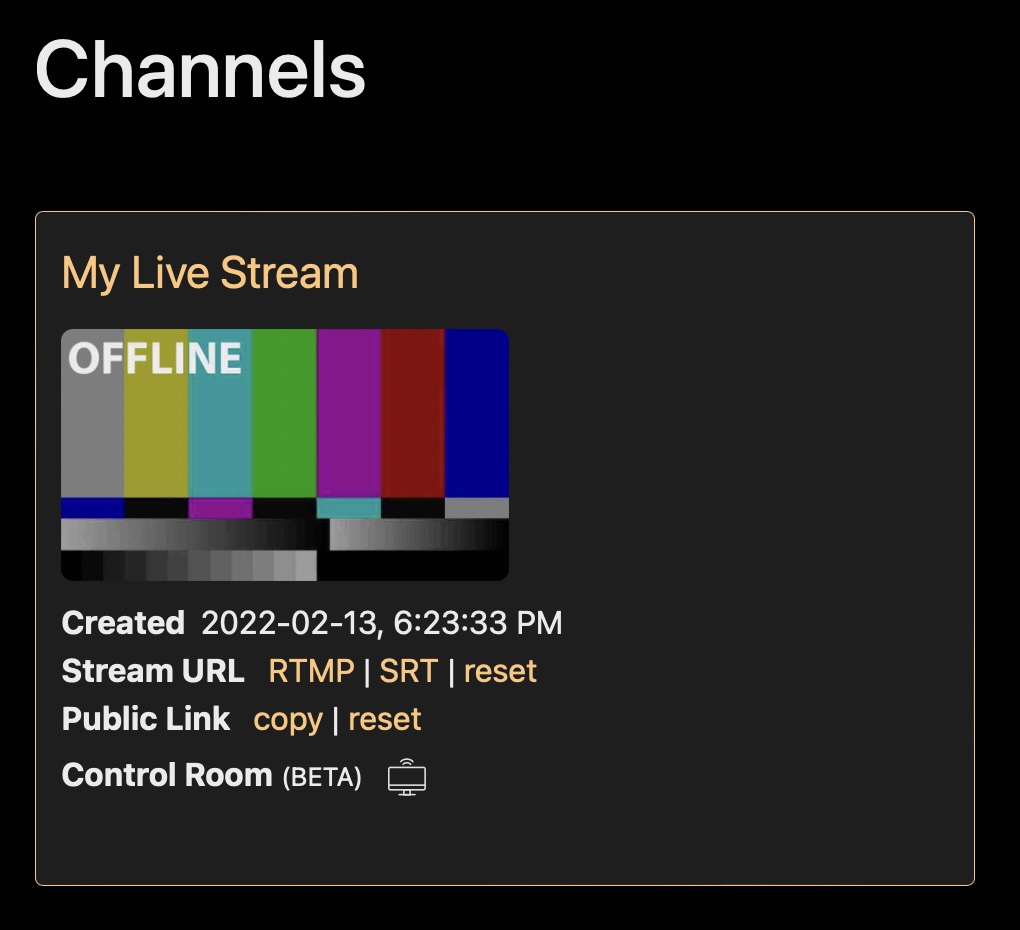
Once enabled under Administration -> Server -> Features, you can open the Control Room for any channel from the home screen:
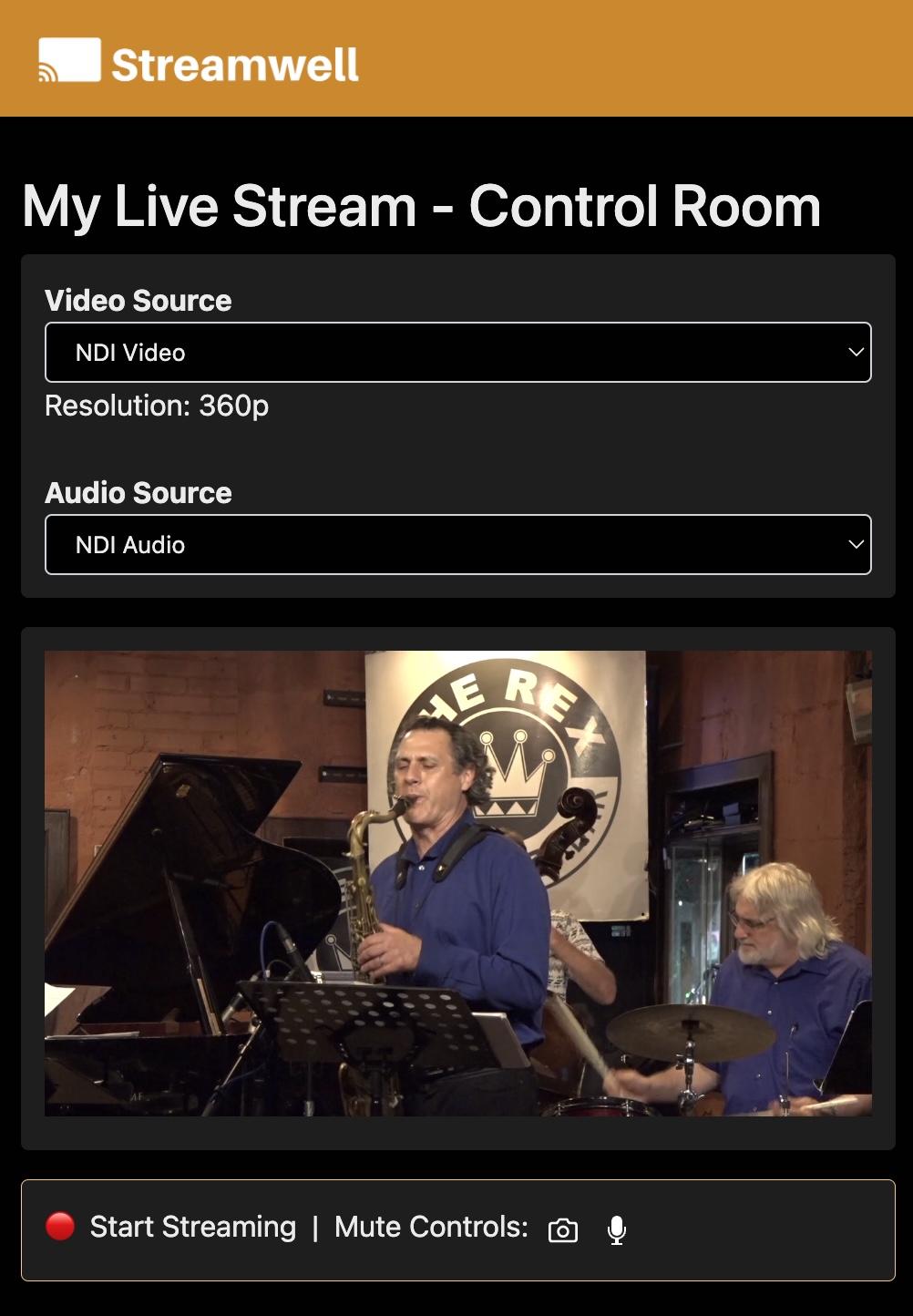
Choose your audio/video sources (in this example, an NDI output from my Premiere Pro timeline) and click the red button to start the stream. Pretty simple!

Notes:
* **Google Chrome** is strongly recommended for sending streams from the Control Room. The other browsers aren't outright blocked but their reliability is not great.
* The video quality will "ramp up" for the first 30 seconds when you start a Control Room stream.
* Control Room streams are encoded by your web browser, so they won't look as good as a dedicated software/hardware streaming solution.
* Control Room streams dynamically change resolution which can cause issues with recordings or HLS playback. If interrupted, a recording may continue with audio only.