# Restreaming
Restreaming lets you define custom RTMP or SRT destinations, then create 'restreams' for any channel with a stream you'd like to push to one of those destinations.
Note that restreaming requires that your incoming stream uses H264 video + AAC audio to work with RTMP / RTMPS. SRT additionally works with HEVC/H.265 video, provided your destination does as well.
### Add a Destination (Admin Only)
With Restreaming enabled under Server Features, a 'Destinations' panel will appear which lets you define one or more RTMP/RTMPS Server URLs. (including the application name if applicable, but not the RTMP stream key).

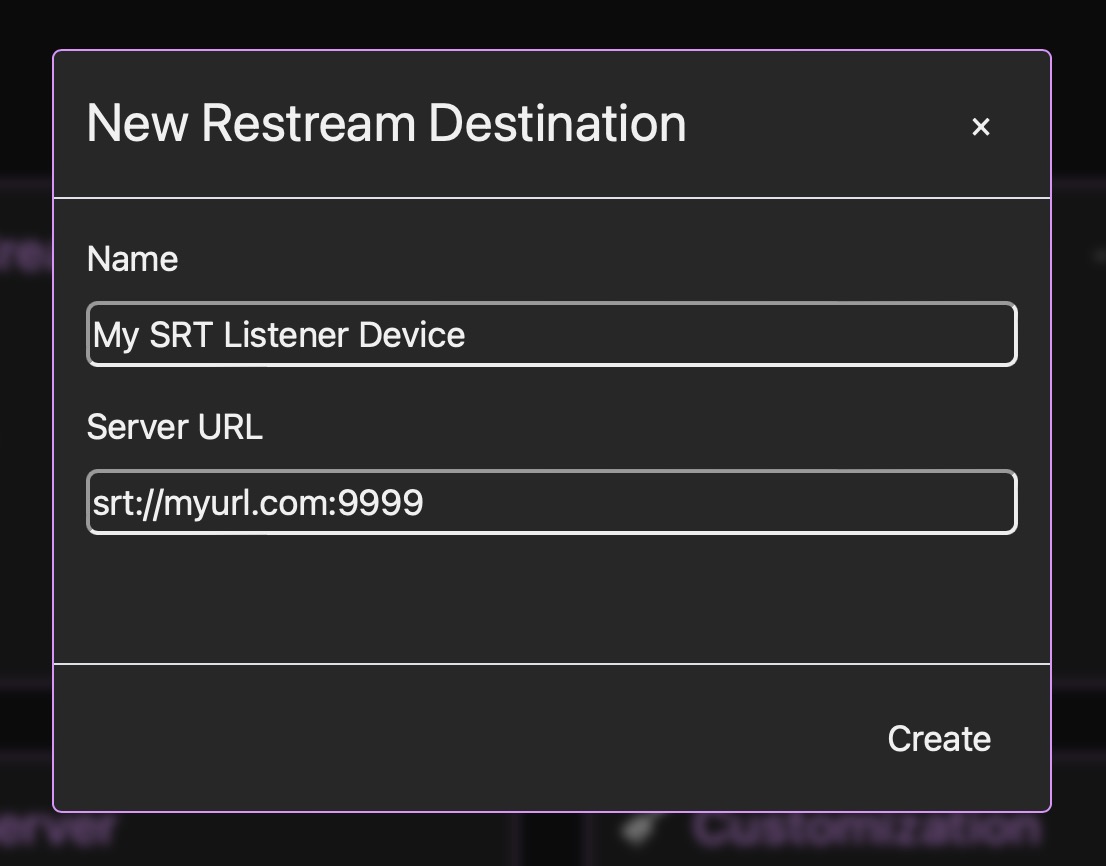
You can also define an SRT listener device by using the full URL, if you want users to be able to easily push a stream to that device:
Once defined, a destination can be re-used across multiple channels + restreams.
### Add a Restream
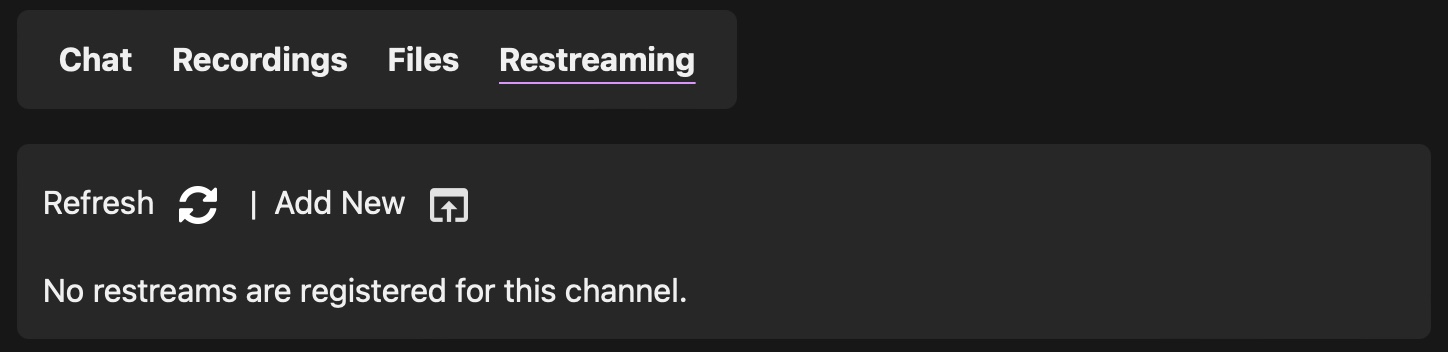
Go to a channel you would like to restream, and choose 'Add New' under the Restreaming panel to add a new restream:

Your restream will appear in the list where it can be started / stopped on-demand or deleted when you are finished with it:

If you have SRT enabled, there will also be an option for 'SRT Push' where you can create a one-off stream to an SRT Listener device (rather than using a saved destination). Simply enter the full SRT URL as the stream key.
There are 4 possible states for a restream:
* **Stopped** is the default state. Your restream is defined, but not yet started.
* **Streaming** means that you are pushing LIVE to your destination. Rock on.
* **Awaiting Stream** means that you aren't yet streaming to your local channel, but when you start streaming it will automatically start pushing the stream.
* **Error** means that either your stream key is invalid, your destination server is unreachable, or you are using an unsupported audio/video format in your stream. Check the engine logs for more clues
You can use restreaming to the full capability of your server network. Push a hundred streams if you can! You can also use this to pass streams between multiple Streamwell instances too: