# Sharing and Public Access
Public links provide a simple "tap-and-go" experience so you can easily share your live stream with public viewers.
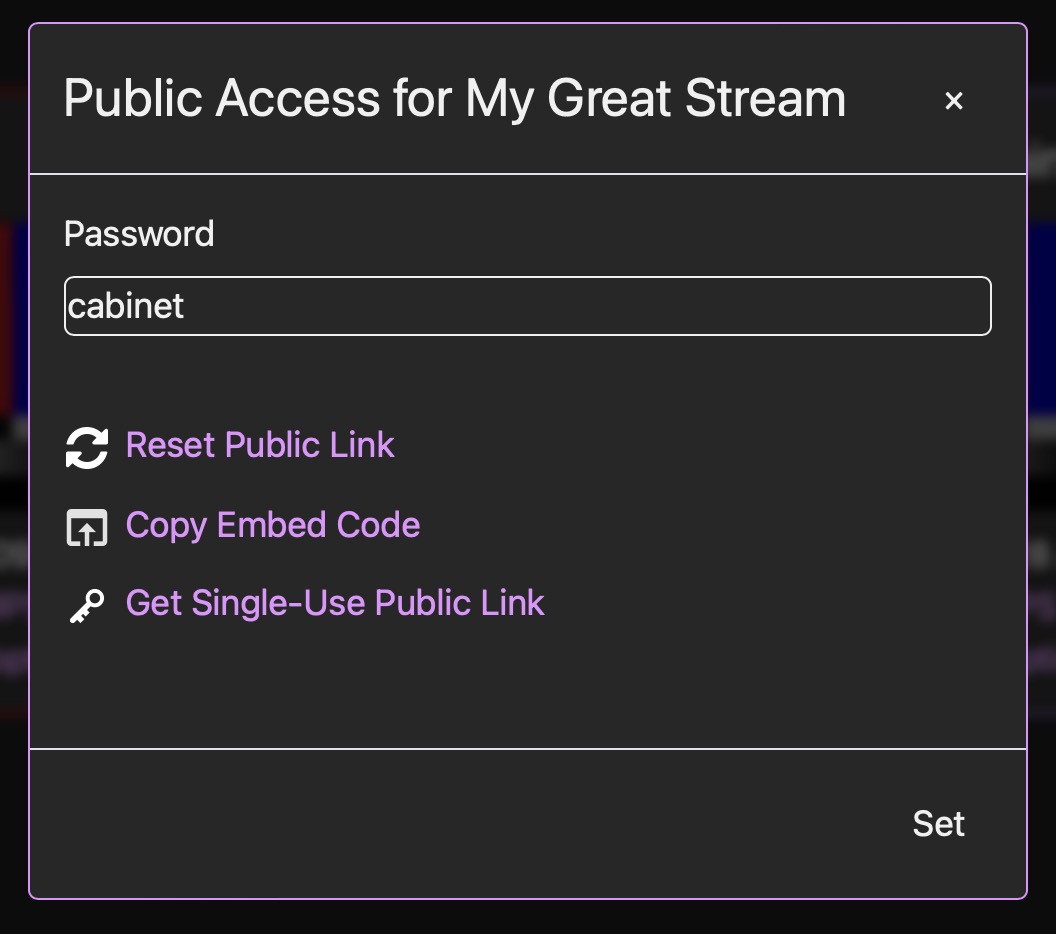
The Public Link can be copied to provide view-only access to the current stream, or within the options dialog you can click 'Copy Embed Code' to generate a small HTML snippet that can be copy-pasted into any other website if you prefer to show your stream there. Click 'Reset Public Link' and anybody watching will be elegantly dismissed, then a new public link will be generated:
Sharing with a stranger? Try a **Single-Use Public Link**. These ultra-secure links can be accessed one time ONLY and expire 48 hours after creation. You can create as many as you need on the fly.
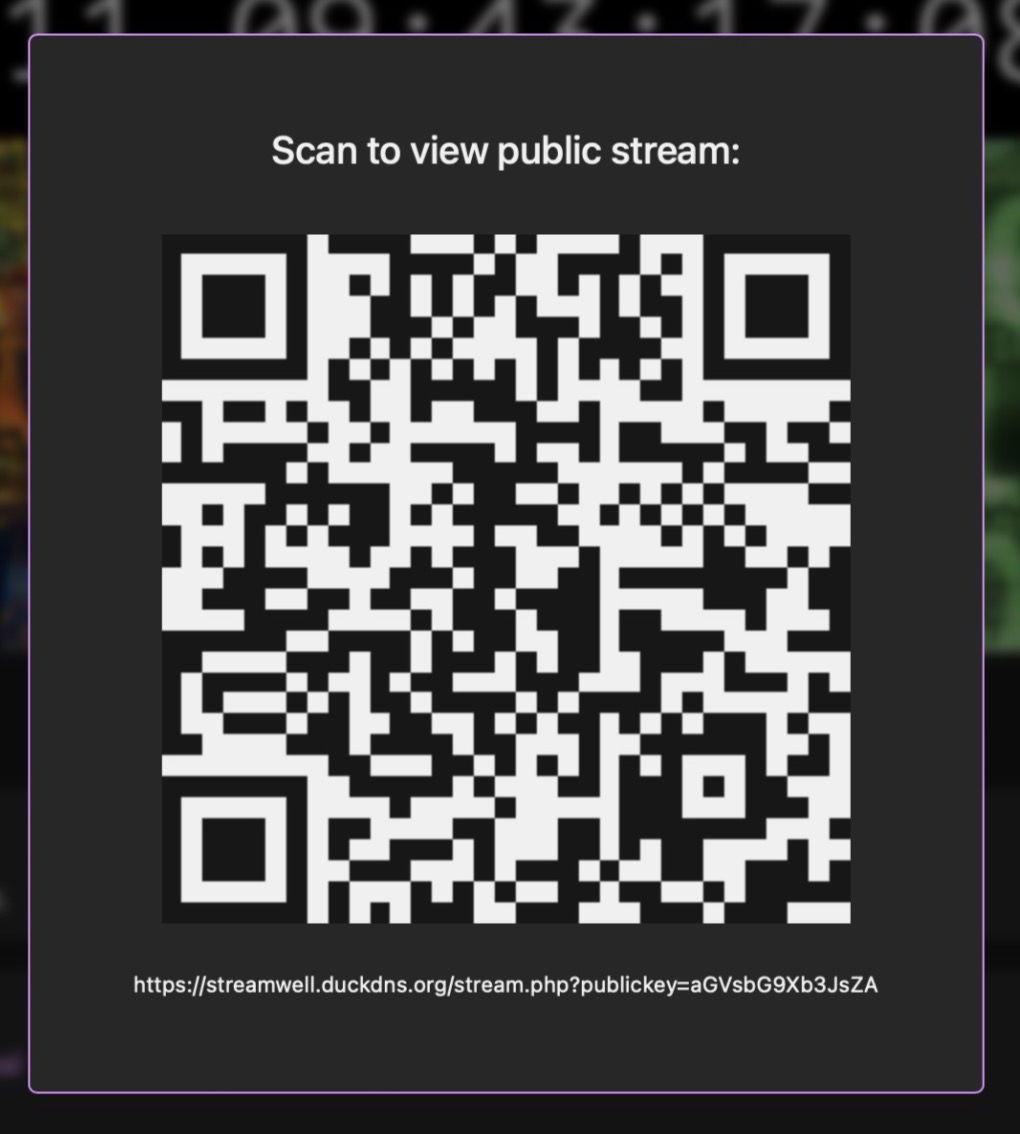
You can also click **QR** wherever you see it to get a scannable QR code for the public link, which makes sharing even easier:
Note: The **HLS stream** link (the one that ends in .m3u8) only resets when you reset the channel stream key, **not** the public link.